Video production has become an essential digital communication skill for educators, software developers, independent journalists, and content creators. However, the commercial creative software market is dominated by costly subscription models that lock project files behind perpetual monthly payments. If you cancel your creative cloud subscription, you lose the ability to open or edit your own past projects. Fortunately, the non-subscription video editing landscape has matured into a powerhouse of professional-grade tools.
1. DaVinci Resolve (Free Edition): The Hollywood Standard
While DaVinci Resolve is technically proprietary freemium software rather than open-source, its free tier is so comprehensively featured that it has become the default choice for serious video editors worldwide.
- The All-In-One Creative Pipeline: Resolve integrates video editing (Cut & Edit pages), motion graphics (Fusion), Hollywood-grade color grading (Color page), and digital audio workstation mastering (Fairlight) into a single cohesive application.
- Industry-Leading Color Science: Resolve’s node-based color grading engine is the literal standard utilized across major Hollywood feature films and television broadcasts.
- The Hardware Requirement: Because Resolve relies heavily on GPU acceleration for its timeline playback and neural features, it demands a capable discrete graphics card (Nvidia RTX or Apple Silicon) with at least 8GB of VRAM to function smoothly.
2. Kdenlive: The Open-Source Powerhouse
Kdenlive (KDE Non-Linear Video Editor) is a completely free, open-source video editor built upon the robust MLT multimedia framework and FFmpeg libraries.
- Freedom and Compatibility: Kdenlive runs effortlessly across Linux, Windows, and macOS. It reads virtually every audio, video, and codec format without requiring transcoding.
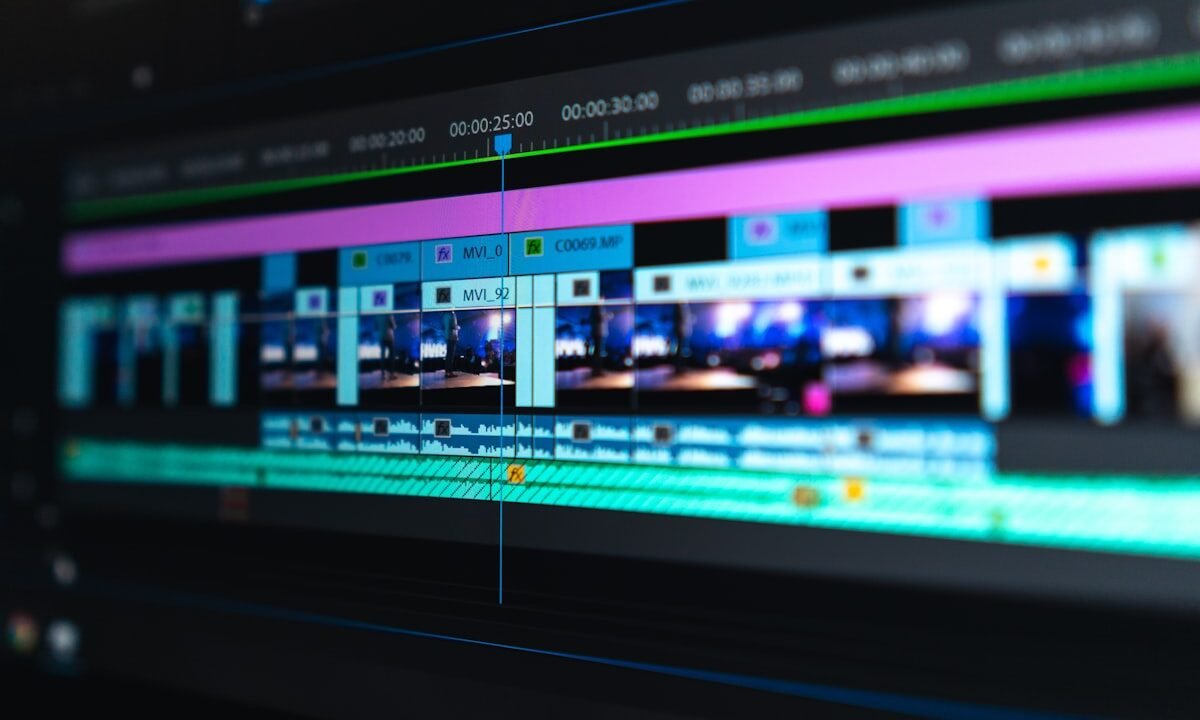
- Advanced Editing Features: It supports multi-track video timelines, nested sequences, automatic speech-to-text subtitle generation, keyframable motion tracking, and robust audio volume automation.
- Hardware Efficiency: Unlike Resolve, Kdenlive runs comfortably on modest hardware and mid-tier laptops without discrete graphics cards, making it an exceptional tool for students and independent journalists.
3. Shotcut: The Lightweight, Multi-Platform Workhorse
Shotcut is an established open-source video editor renowned for its clean interface and stability across long editing sessions.
- Native Timeline Editing: Shotcut does not require importing media into proprietary project libraries; you simply drag raw video files directly onto the multi-format timeline and begin cutting immediately.
- Filter-Based Workflow: Color correction, audio equalization, green-screen chroma keying, and text animations are applied via an intuitive modular filter stack that can be copied and pasted across multiple clips.
Recommended Tool Selection
- Choose DaVinci Resolve (Free) if you have a modern workstation with a dedicated GPU and want professional Hollywood color grading and audio mastering.
- Choose Kdenlive if you want a 100% open-source editor with advanced features like automatic subtitle transcription and timeline nesting.
- Choose Shotcut if you need a dependable, lightweight editor for quick 4K cuts on a budget laptop.